Short answer
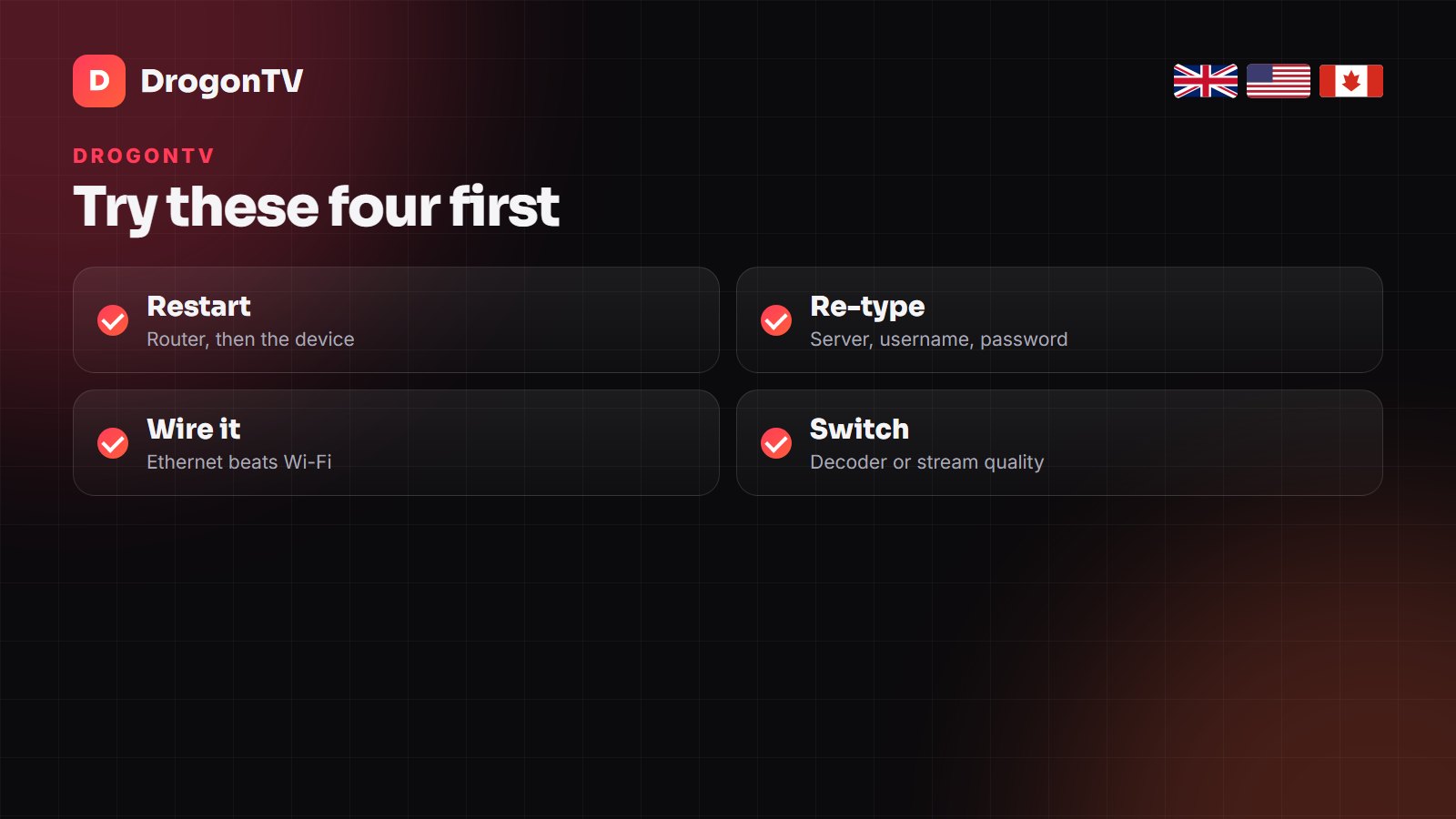
When Drogon TV is not working, the cause is usually at home: a login typo, an app that needs updating, or Wi-Fi that cannot keep up at peak time. Restart the router and the device, re-type the login exactly, and use a wired connection; if one channel fails, try its HD or FHD version. Still stuck, send support a photo of the screen on WhatsApp.
A step-by-step checklist for Drogon TV (DrogonTV) on Firestick, Android, Samsung, LG, iPhone and MAG, from the thirty-second fixes to the rare ones.
Start by narrowing it down. If every channel fails, the problem is the login, the subscription date or the connection. If only one channel fails, the source of that channel is down for a moment and its other versions usually work. If it plays but stutters at night, it is almost always the network in your home.
Quick diagnosis
| Symptom | Most likely cause | Go to fix |
|---|---|---|
| Invalid login / authorization failed | Typo in the login or expired line | 2 and 3 |
| Nothing loads at all | Router or app | 1 and 8 |
| Buffering in the evening | Wi-Fi or speed | 4 and 5 |
| Sound but no picture | Decoder | 6 |
| Guide empty or wrong times | EPG not loaded, time zone | 7 |
| One screen stops when another starts | Plan screen limit | 10 |
The 10 fixes
1. Restart the router and the device
Unplug the router for 30 seconds. Fully power off the Firestick or TV by unplugging it, not standby. Start the router first, then the device.
2. Re-type the login exactly
Copy the server URL with its port number, and the username and password with the right capitals. A space at the end of a password is the classic mistake.
3. Check the end date
A trial ends on its own; a plan ends on its renewal date because nothing auto-renews. Ask support for the exact date. Plans are on the pricing page.
4. Use a cable or 5 GHz Wi-Fi
Most buffering is Wi-Fi. An Ethernet cable, or an adapter for the Firestick, fixes more cases than any setting.
5. Drop to Full HD on match nights
4K needs about 25 Mbps per screen. If your line is borderline, pick the FHD version of the channel during big games. More in how to fix IPTV buffering.
6. Switch the decoder
Sound with no picture, or a frozen frame: in the player’s settings, switch between hardware and software decoding, then reopen the channel.
7. Refresh the guide
Run an EPG update in the app and set your time zone. The first load can take up to an hour after setup.
8. Update or reinstall the app
An old version of IPTV Smarters, TiviMate or IBO Player can reject a working line. Update it, or reinstall and add the login again. The right app for your device is in the Drogon TV app guide.
9. Clear the app cache (Firestick and Android)
Settings > Applications > Manage installed applications, pick the player, then Clear cache. Do not clear data unless you are ready to re-enter the login. Device-specific steps: Firestick, Android TV.
10. Too many screens at once
If one more device starts than your plan allows, one stream stops. That is the limit working, not a fault; a longer plan or an extra connection solves it.
Device-specific notes
- Samsung and LG: the TV’s built-in Wi-Fi is often weak; a cable helps most. Re-adding the line by MAC address is covered in Smart TV setup.
- iPhone and Apple TV: make sure the player has permission to use the local network, then reload the playlist. See iPhone, iPad and Apple TV.
- MAG boxes: reboot, check the portal URL and that the box MAC matches the one registered. See MAG setup.
When to message support
If nothing above works, send us on WhatsApp a photo of the error, the device and the app you use. Most cases are solved in the chat. If the service still does not work in your home, the 7-day money-back guarantee applies to paid plans; the details are in our refund policy.
Frequently Asked Questions
Why is Drogon TV not working on my Firestick?
Usually a login typo, an outdated player app or weak Wi-Fi. Restart the stick and router, re-type the login, update the app and try a wired connection.
Why does Drogon TV buffer in the evening?
Evenings load home Wi-Fi and the wider internet. A cable, 5 GHz Wi-Fi or the FHD version of the channel usually stops it.
Drogon TV says invalid login, what do I do?
Re-type the server URL including its port, and the username and password exactly. If the line has expired, renew; if it still fails, send support a photo of the screen.
One channel does not work, is the service down?
No, a single channel source can drop for a few minutes. Try its other versions (HD, FHD) or come back shortly; the rest of the list keeps working.
Can Drogon TV support fix it remotely?
Often, yes. For Smart TV apps we can re-add your line from the MAC address shown in the app, and we walk you through the rest on WhatsApp.
Still not playing?
Send us a photo of the screen on WhatsApp and we will sort it out with you.